See the whole picture before deciding
Bring your overall score, reviews, competitors, AI visibility, press and trends into one diagnosis, with clearly identified priorities.
Google listing, reviews, competitors, AI answer engines, press and trends: the Scan 360° brings your entire commercial situation into one readable, shareable document.
Analyse my business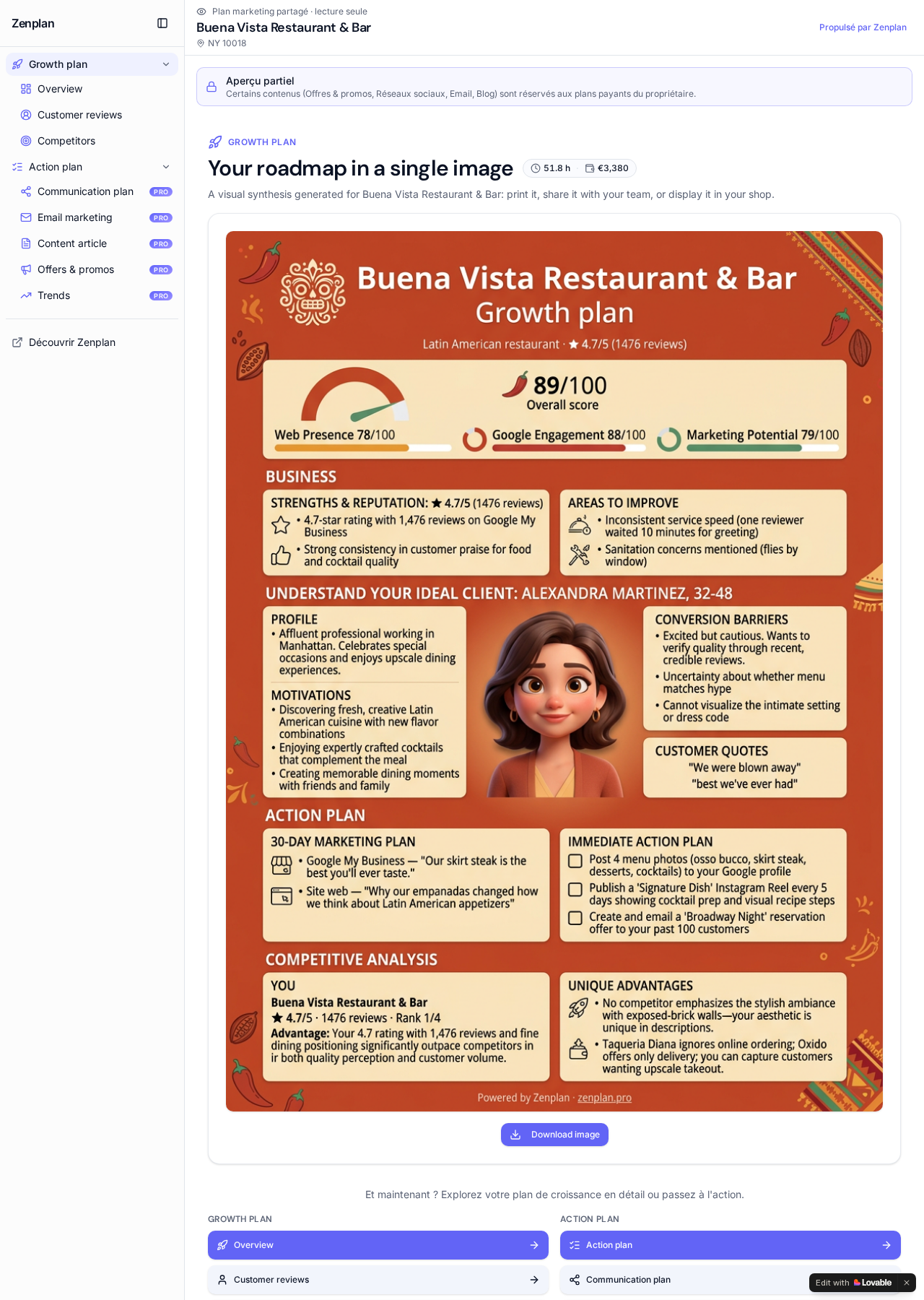
Understand where you stand in one read, without juggling five different tools.
Prioritise the pillars that are costing you the most customers.
Share a clean document with a partner, a franchisor or a lender.
A complete, structured and actionable view of your local presence.
Bring your overall score, reviews, competitors, AI visibility, press and trends into one diagnosis, with clearly identified priorities.
Each pillar is analysed from public data and presented through a shared framework, so you can connect the findings without juggling several tools.
Review the data, findings and deliverables before acting. Your plan remains accessible, shareable as read-only and exportable depending on your offer.
Scan 360° draws on your listing, activity, city, customers and competitive environment, not on a generic report.
Your business name and city are enough. Zenplan finds your Google listing and builds the analysis from your public data.
No. You relaunch an analysis whenever you decide to, and you keep access to saved scans so you can compare progress.
Yes. A secure public link shares your plan read-only, and it always reflects the latest version of your analysis.
Get a full view of your local visibility and the roadmap that goes with it.
Analyse my business